- Albert.io centers on standards-aligned practice across K–12 subjects. If you run a test prep business, compare alternatives built for exam simulation, branding, and operations.
- EdisonOS is the best Albert.io alternative for test prep institutes and tutors. EdisonOS runs official-style digital SAT, ACT, PSAT, SHSAT, and AP tests with tutor analytics under your own brand.
- EdisonOS offers monthly and annual plans. Basic costs $49/month or $299/year, and Pro runs $149/month or $1,499/year.
- Canvas, Blackboard Learn, and Schoology suit schools that need a full LMS. All three use quote-based institutional pricing, and none ships with Albert’s depth of pre-built practice content.
- iSpring Suite fits teams that author their own courses and assessments. iSpring Suite AI starts at about $970 per author per year.
- Kahoot!, Mentimeter, and Vevox add live engagement rather than practice depth. All three offer free plans, with paid tiers from $14.99, $11.99, and $7.75 per month.
- GoReact and Brainscape serve narrower needs. GoReact handles video-based skills assessment from $89/user/year, while Brainscape offers flashcard repetition from $7.99/month.
- Compare how costs scale before you switch. Check pricing as students, tutors, and testing volume grow, along with setup time, reporting depth, and support.
Albert.io is a widely used practice and assessment platform, but institutions often explore alternatives as their needs expand across testing, reporting, content, and operations.
This guide compares ten Albert.io alternatives based on use case, capabilities, pricing, and institutional fit.
Tools in this list were evaluated using:
- Operator interviews and buying conversations
- Analysis of G2, Capterra, Reddit, and review sites
- Hands-on product testing, demos, and feature comparisons
EdisonOS is included in this list. Its position is disclosed, and it is evaluated against the same practical criteria applied to the other platforms.
The right alternative depends on your institute's size, teaching model, assessment needs, budget, and long-term growth plans.
Comparison Table: Best Albert.io Alternatives at a Glance
Top 10 Albert.io Alternatives to Consider
1. EdisonOS
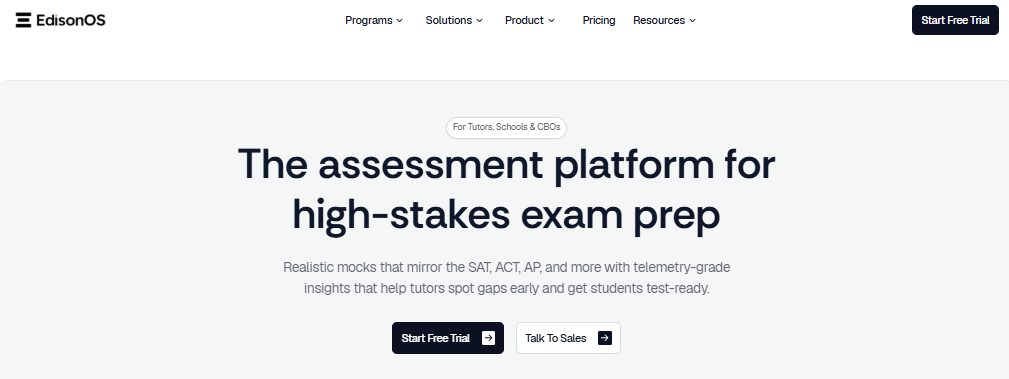
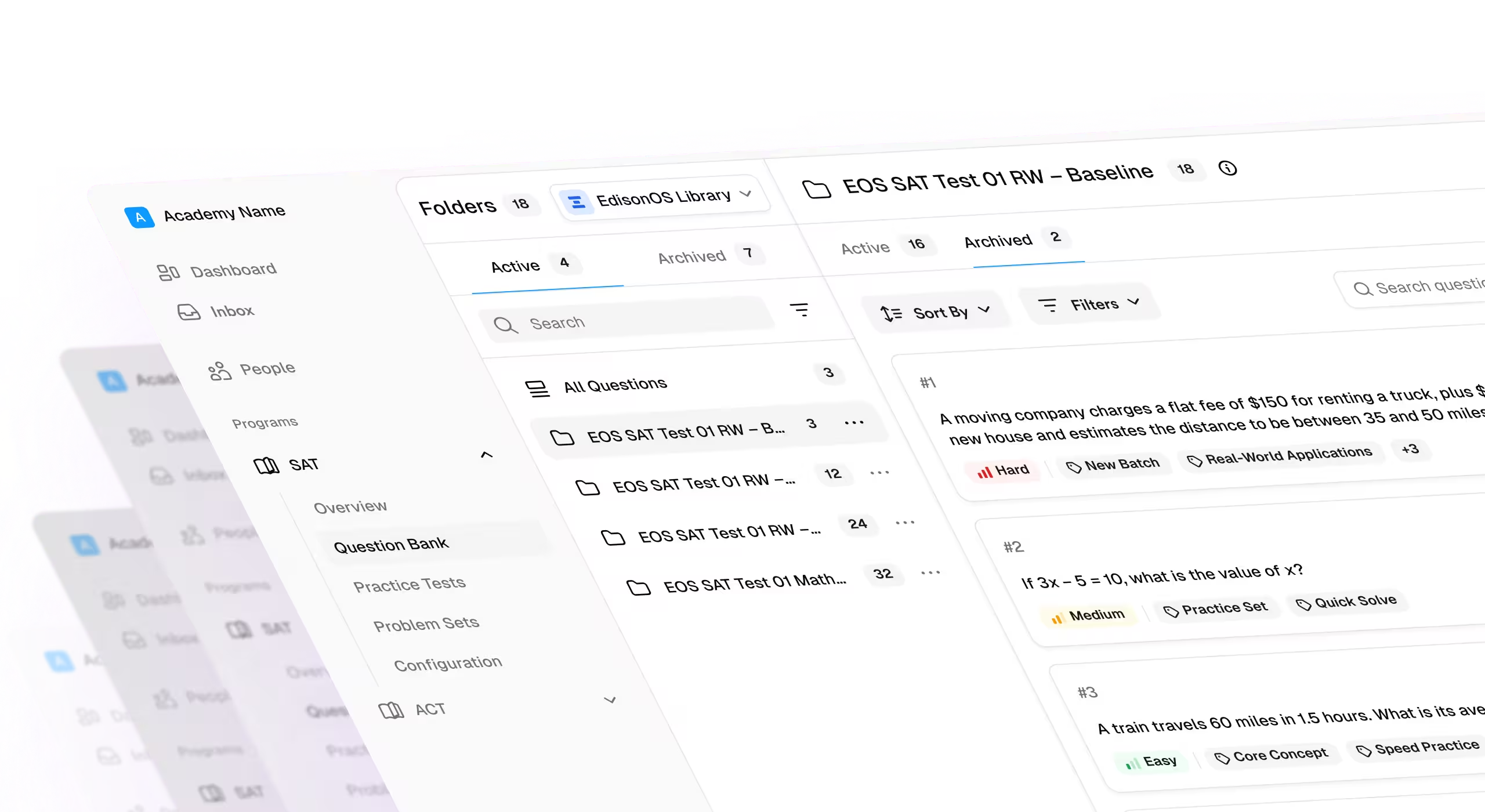
EdisonOS is a digital testing and learning platform built for test prep institutes and tutors running SAT, ACT, AP, and other structured exam-prep programs, like PSAT and SHSAT.
It combines mock testing, course delivery, live classes, student management, analytics, and branded learning experiences for tutors and institute operators.
The biggest differentiator is its focus on test-prep operations rather than broad classroom practice, making it stronger than Albert for institutes managing structured testing programs.
Key Features
- Digital SAT and ACT interfaces recreate official-style testing experiences, addressing Albert's broader classroom-practice focus.
- Tutor-facing analytics provide section and question-level visibility, going beyond Albert's standard mastery and assignment reporting.
- Course hosting and live-class tools reduce the need for separate platforms around Albert's practice-focused workflow.
- White-label branding, custom domains, and mobile apps let institutes own the student experience instead of relying on Albert's platform identity.
- Test credits and student licenses support different testing volumes, giving operators more flexibility as cohorts change.
Pros
- Purpose-built for test prep institutes managing structured testing, cohorts, and standardized exam preparation.
- Combines testing, teaching, analytics, and branded delivery instead of requiring multiple disconnected tools.
- Usage-based testing options can make costs easier to align with actual testing volume.
Cons
- It is focused on test preparation rather than broad K–12 subject coverage.
- Smaller institutes may not need its wider operational and testing capabilities.
- Public review volume is smaller than established LMS and classroom platforms.
Pricing
EdisonOS currently offers a Basic academy plan at $299/year early-bird pricing, normally $499/year, and a Pro plan at $1,499/year. Enterprise pricing is custom. Test credits start at $6 for a full Digital SAT or Enhanced ACT test, while student licenses start at $39 for one month.
2. Canvas LMS
Canvas LMS is a full learning management system used by schools, universities, and other institutions that need centralized course delivery, assignments, grading, communication, and integrations.
It is best suited to academic institutions where administrators need one system for managing courses, instructors, learners, and institutional workflows.
Its biggest advantage over Albert is breadth. Canvas handles the complete learning workflow, while Albert is primarily centered on practice, assessment, and standards-aligned content.

Key Features
- Full course management supports content, assignments, grading, and communication beyond Albert's practice-centered model.
- LTI and third-party integrations connect institutional systems that Albert's narrower workflow does not replace.
- Administrative account structures support institution-wide management rather than primarily teacher-level practice.
- Mobile apps extend course and grading workflows beyond Albert's assessment environment.
- Canvas Lite provides a lower-barrier option for independent educators, although full institutional capabilities require a paid environment.
Pros
- Strong fit for institutions needing course delivery, grading, communication, and administration in one system.
- Extensive integration capabilities make it easier to connect existing institutional technology.
- Established LMS infrastructure supports broader academic workflows than Albert.
Cons
- Canvas does not provide Albert's depth of pre-built standards-aligned practice content.
- Institutional pricing is quote-based, making direct cost comparison difficult.
- Specialized SAT, AP, or exam-prep content must be created or integrated separately.
Pricing
Canvas institutional plans are currently custom quoted across its Core, Plus, and Next tiers. Canvas Lite is scheduled to launch September 30, 2026, as a no-cost option for individual educators, but it is not a substitute for full institutional Canvas.
3. Blackboard Learn
Blackboard Learn is an enterprise learning management system designed for universities, schools, and large institutions managing courses, assessments, grading, integrations, and multiple user groups.
It is best suited to institutions where governance, administrative control, and multi-site management matter more than having a specialized question bank.
Blackboard's core differentiator is institutional scale. It can serve as the central learning infrastructure, while Albert remains more focused on standards-aligned practice and assessment.

Key Features
- Centralized course and content management supports institution-wide academic workflows beyond Albert's question-bank model.
- Assessment and gradebook tools allow instructors to manage formal evaluation alongside course delivery.
- Enterprise integrations support broader institutional technology ecosystems than Albert's focused practice workflow.
- Multi-site administration supports schools and departments operating under centralized governance.
- Enterprise support and implementation options are designed for institutions with complex deployment requirements.
Pros
- Strong choice for large institutions requiring centralized governance and administration.
- Combines courses, assessments, grading, and content management within one environment.
- Better suited to multi-school or multi-department deployments than a practice-only platform.
Cons
- Implementation can be excessive for smaller tutoring businesses or individual instructors.
- Specialized standardized-test content is not built in at Albert's breadth.
- Pricing is generally negotiated rather than transparent for institutional buyers.
Pricing
Blackboard Learn uses custom institutional pricing. The previous article cited benchmark starting costs of approximately $9,500 annually, but actual contracts vary substantially by deployment and institution size.
4. Schoology
Schoology is an LMS designed for K–12 schools and districts that need centralized curriculum management, assignments, assessments, communication, and parent and student access.
It is particularly useful for districts managing multiple schools or courses where administrative consistency matters more than specialized question-bank depth.
Schoology differentiates itself from Albert by functioning as a broader classroom operating layer rather than primarily a practice and assessment platform.

Key Features
- Curriculum organization centralizes lessons, assignments, discussions, and classroom workflows.
- Content embedding lets teachers bring external Google Drive, Microsoft, and web resources into courses.
- Standards reporting provides visibility against frameworks such as Common Core and NGSS.
- Parent and student portals extend communication beyond Albert's student-practice environment.
- District-level deployment supports centralized management across schools.
Pros
- Strong fit for districts managing curriculum and communication across multiple schools.
- Provides a broader classroom workflow than Albert's practice-focused model.
- Supports standards-based reporting alongside course management.
Cons
- Does not provide Albert's depth of pre-built standardized practice content.
- Enterprise pricing is negotiated, limiting pricing transparency.
- Specialized exam preparation requires external content or integrations.
Pricing
Individual teacher access and district-level availability have varied over time, while enterprise plans are negotiated directly with Schoology. The available source does not provide a current public institutional starting price.
5. iSpring Suite
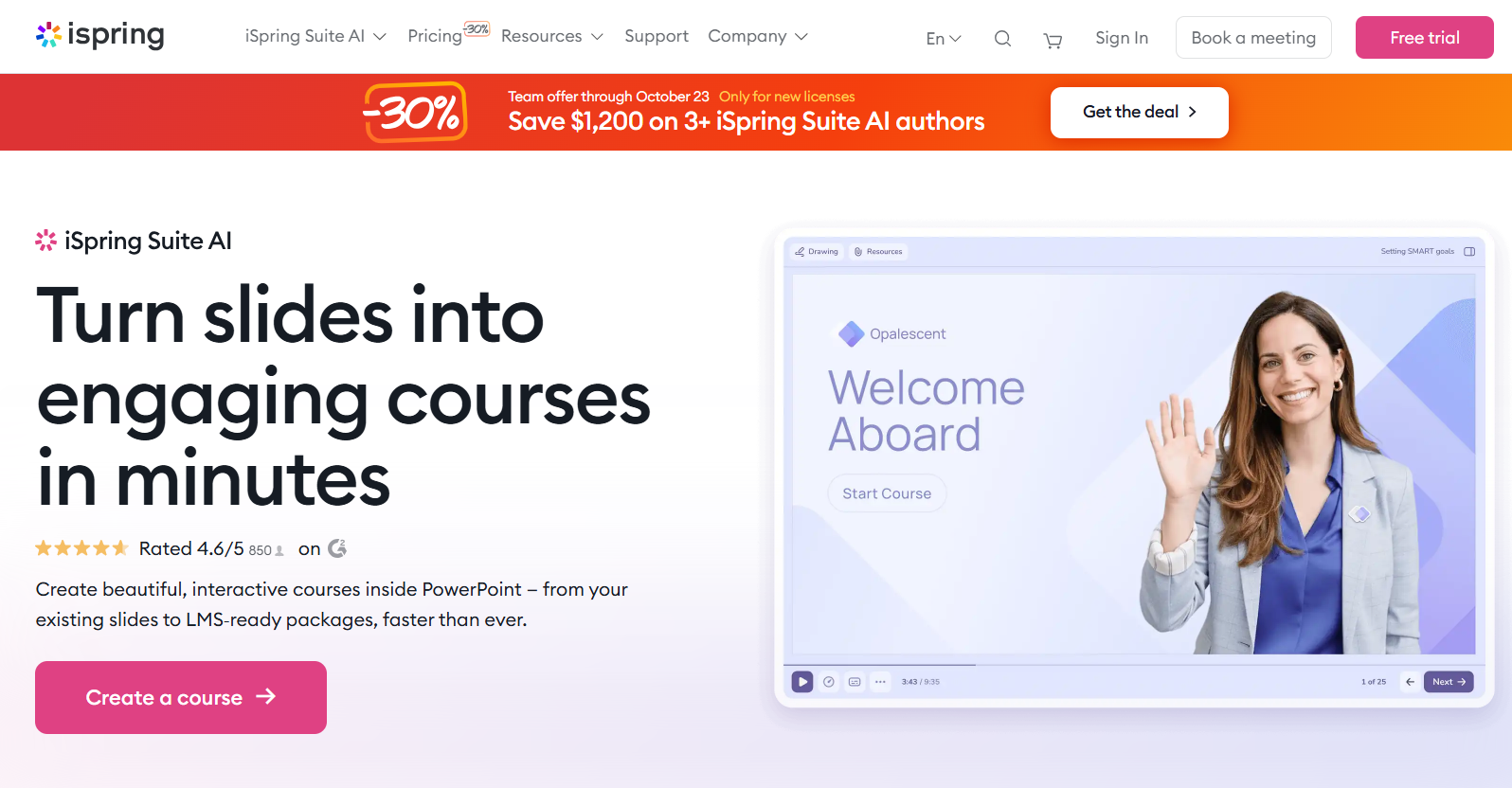
iSpring Suite is an e-learning authoring toolkit that works with PowerPoint to create interactive courses, quizzes, simulations, and structured assessments.
It suits training teams, educators, and content creators that already have instructional material and need greater control over how that material becomes digital learning.
Its biggest advantage over Albert is authoring control. Instead of relying on a pre-built question ecosystem, teams can create their own courses, assessments, scoring, and content.
Key Features
- PowerPoint integration converts existing presentations into structured digital courses and assessments.
- SCORM and xAPI publishing allows custom content to move into compatible LMS environments.
- Timed quizzes and exam simulators provide more authoring control than Albert's fixed content library.
- Detailed reporting supports custom assessments built around an organization's own curriculum.
- AI-assisted authoring helps teams create and adapt digital learning content faster.
Pros
- Strong authoring control for institutes creating proprietary learning materials.
- Existing PowerPoint content can be converted without rebuilding entire courses.
- Supports portable SCORM and xAPI content for broader LMS compatibility.
Cons
- Teams must create their own content rather than accessing Albert's extensive question bank.
- Author-based pricing can become expensive for large content teams.
- It is an authoring tool rather than a complete test-prep operating platform.
Pricing
iSpring Suite AI currently starts at approximately $970 per author/year for freelancers and $1,290 per author/year for the Business version
6. Kahoot!
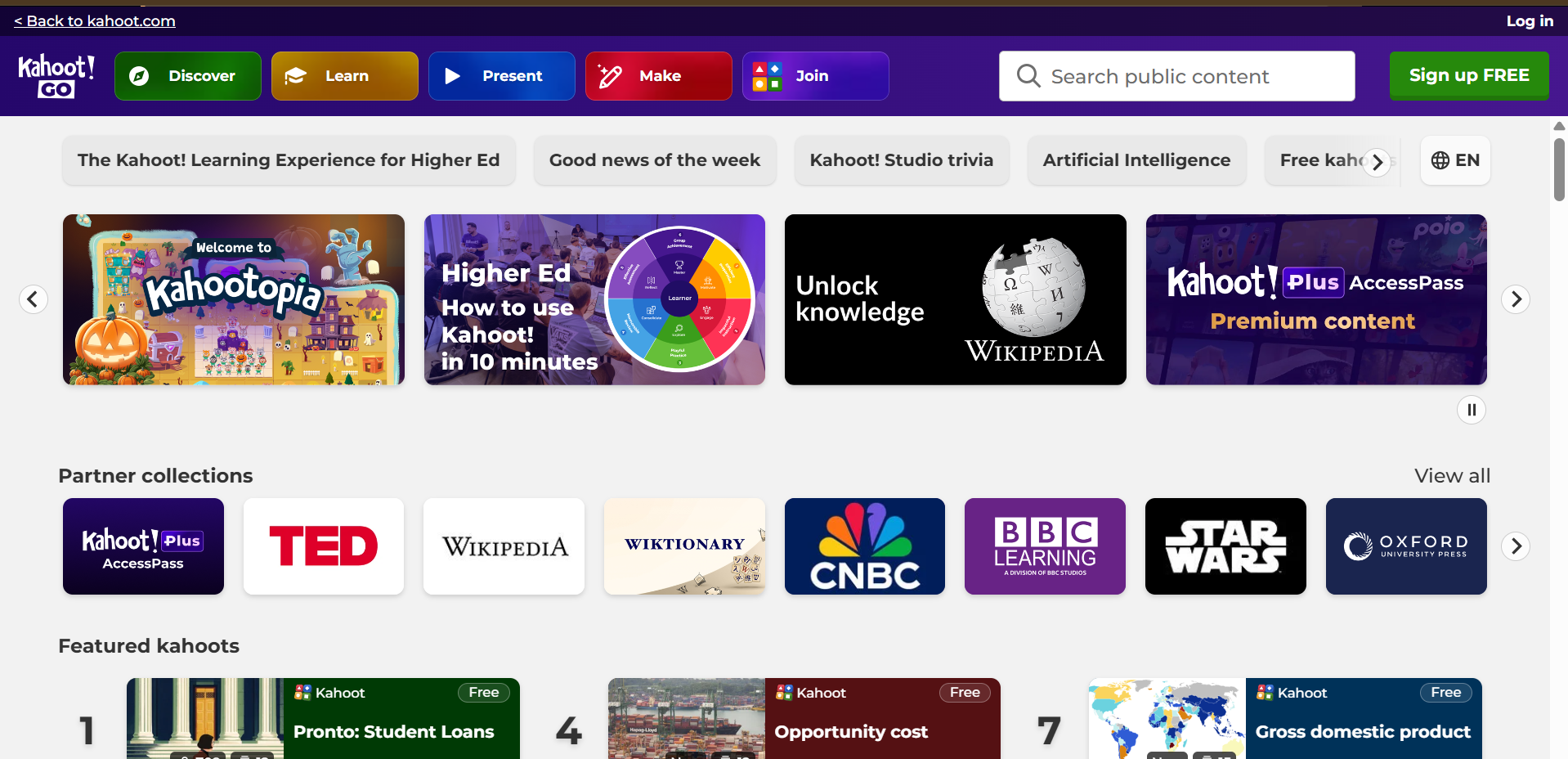
Kahoot! is a game-based learning and assessment platform built around live quizzes, participation, competition, and formative assessment.
It works best for teachers and institutes that want students to actively participate during revision sessions rather than complete conventional asynchronous practice.
Kahoot!'s differentiator is engagement. It addresses the live participation gap in Albert's primarily asynchronous practice model through games, leaderboards, and interactive sessions.
Key Features
- Live game-based quizzes create immediate participation instead of Albert's primarily asynchronous practice experience.
- Large participant limits support school-wide and high-volume review sessions.
- Interactive presentation modes make formative assessment part of live teaching.
- Reports help instructors review performance after sessions.
- AI-assisted content creation speeds up quiz creation from topics and existing materials.
Pros
- Strong student engagement through competition, games, and live participation.
- Free entry point makes experimentation easy for individual educators.
- Works well for revision sessions and formative checks.
Cons
- It does not provide Albert's depth of standards-aligned mastery reporting.
- Game-based formats are less suitable for detailed independent practice.
- Paid plans can become expensive as host and participant requirements increase.
Pricing
Kahoot! EDU Standard currently starts at $14.99 per host/month billed annually, while EDU Pro starts at $24.99 per host/month. A free Kahoot! Go plan is also available.
7. Mentimeter
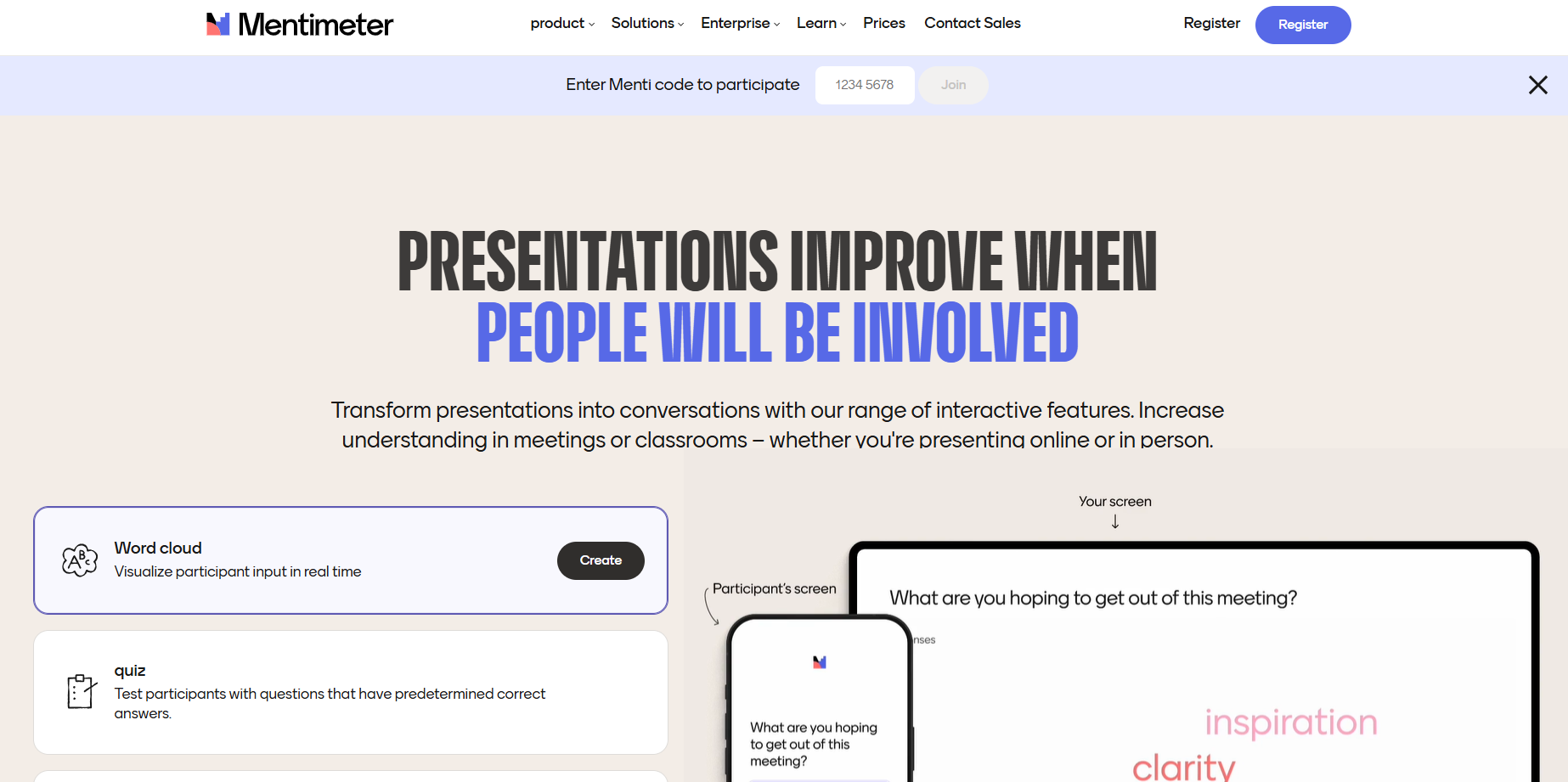
Mentimeter is an interactive presentation and audience-response platform built around live polls, quizzes, Q&A, word clouds, and anonymous participation.
It is best for educators who want to make synchronous classes more interactive rather than replace Albert's structured practice and mastery workflows.
Its key differentiator is real-time participation. Mentimeter lets instructors collect and visualize responses during a session, filling a different instructional gap than Albert's question banks.
Key Features
- Live polling captures student understanding during lessons rather than after asynchronous practice.
- Word clouds visualize collective responses instantly for classroom discussion.
- Anonymous Q&A can encourage participation from students reluctant to speak publicly.
- Slide imports allow existing PowerPoint, Keynote, or PDF lessons to become interactive.
- Exportable results provide post-session data for reviewing participation and responses.
Pros
- Excellent for live engagement and quick checks for understanding.
- Students can participate without downloading dedicated software.
- Free access provides a low-risk way to test interactive teaching.
Cons
- It does not provide Albert's standards-aligned question-bank depth.
- Analytics focus on participation and responses rather than deep mastery.
- It is not designed to replace a full assessment platform.
Pricing
Mentimeter offers a free plan, with paid plans currently starting around $11.99 per presenter/month according to its published pricing references.
8. Vevox
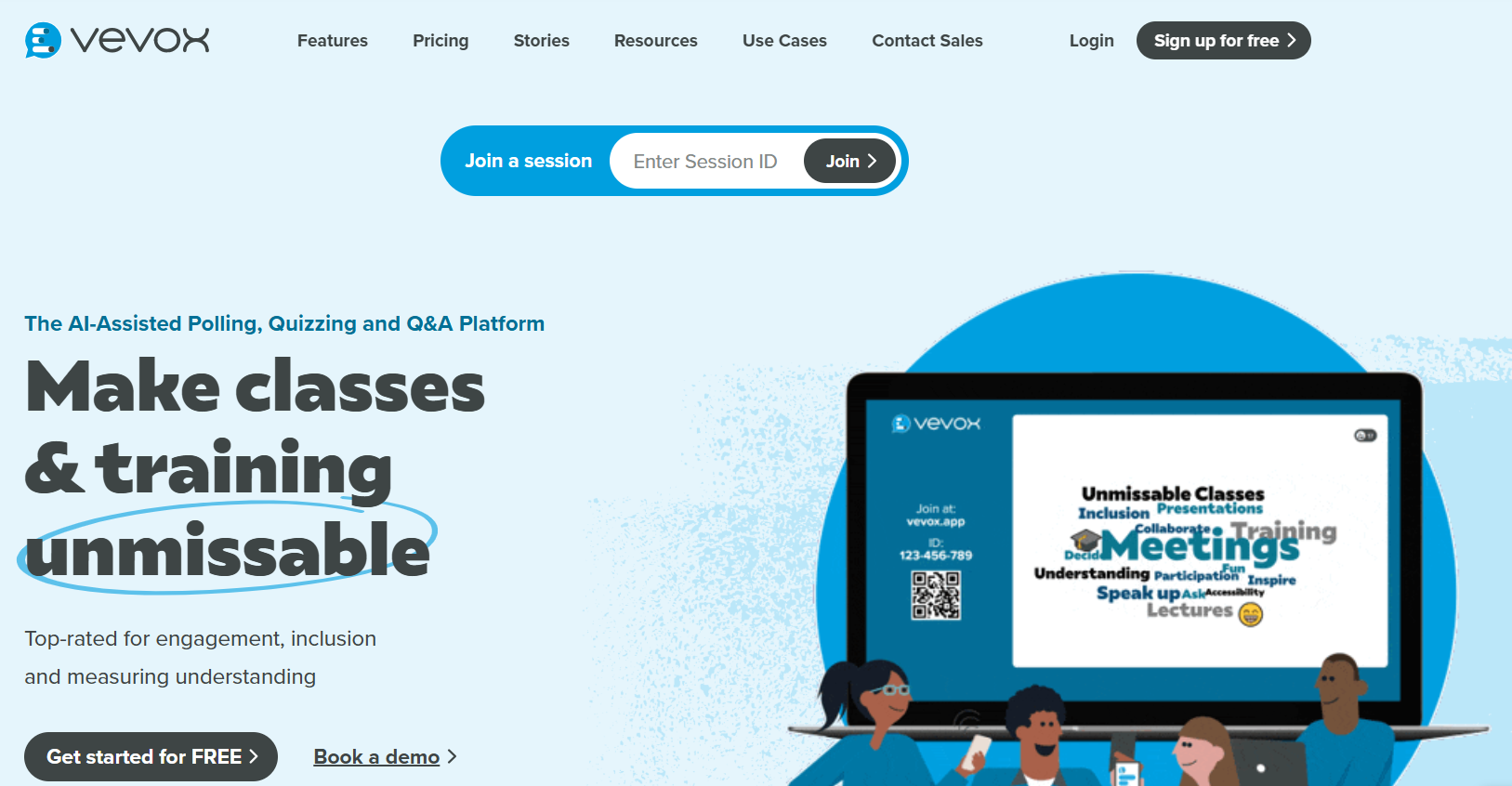
Vevox is a live polling, Q&A, quiz, and audience-response platform designed particularly for higher education, lectures, training, and large-group engagement.
It is suited to institutions that want anonymous participation and real-time feedback during synchronous teaching rather than a comprehensive practice environment.
Its strongest advantage over Albert is synchronous engagement, particularly through anonymous Q&A, polling, and presentation integrations.
Key Features
- Anonymous Q&A lets students submit and upvote questions without public identification.
- Multiple polling formats support richer live interaction than standard question-bank workflows.
- PowerPoint and Microsoft Teams integrations reduce disruption during live teaching.
- Data exports help instructors review responses after sessions.
- Institution plans support SSO, LMS integration, analytics, and centralized administration.
Pros
- Strong option for live lectures and large-group participation.
- Anonymous interaction can increase participation from quieter students.
- Integrations reduce the need to switch between presentation and polling tools.
Cons
- It does not provide a curriculum-scale question bank like Albert.
- Its focus is synchronous interaction rather than long-term mastery.
- Institution-level pricing requires a custom conversation.
Pricing
Vevox has a free plan, with Education Starter at $7.75/month billed annually and Pro at approximately $12.95/month. Institution plans are custom.
9. GoReact
GoReact is a video-based assessment platform designed for programs where students demonstrate skills through recorded or uploaded video.
It is best suited to teacher education, language learning, ASL, public speaking, and other programs where instructors need to assess performance rather than conventional multiple-choice practice.
Its core differentiator is time-stamped video feedback, allowing instructors to evaluate performance at specific moments rather than relying on Albert's text-based assessment model.

Key Features
- Time-stamped feedback lets instructors comment directly on specific moments in student submissions.
- Rubric-based scoring creates consistent evaluation criteria across learners.
- Video and audio feedback support richer instructional responses than text explanations.
- LMS integrations connect video assessment to existing course workflows.
- Remote supervision supports programs assessing students away from campus or classroom settings.
Pros
- Strong fit for performance-based assessment and skills training.
- Detailed feedback is tied directly to observable student performance.
- Remote assessment can reduce travel and observation overhead.
Cons
- It does not provide standardized-test question banks or mastery analytics.
- Per-user pricing can become expensive for large programs.
- It is not a broad replacement for Albert's K–12 assessment model.
Pricing
GoReact currently lists Essentials at $89/user/year as a limited-time offer, with Advanced at $119/user/year. A 60-day free trial is available.
10. Brainscape
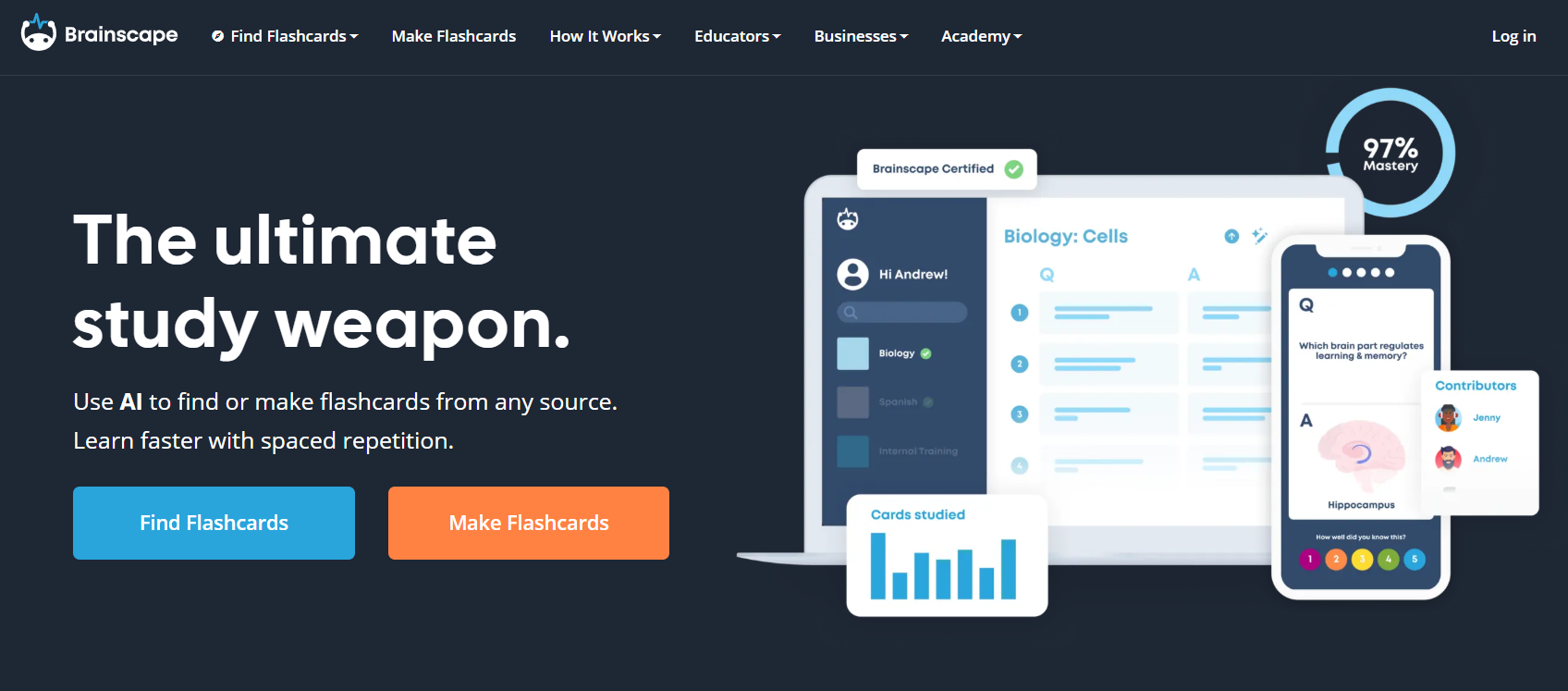
Brainscape is a flashcard-based learning platform built around confidence-based repetition and spaced review.
It suits students, tutors, and educators who prioritize memorization, independent study, and repeated exposure over structured classroom assessment or standards-aligned practice.
Its differentiator is adaptive repetition. Instead of replicating Albert's broad question-bank approach, Brainscape focuses on optimizing when learners revisit difficult material.
Key Features
- Confidence-Based Repetition adjusts review frequency based on learner confidence.
- Custom deck creation lets tutors and students build proprietary study material.
- Shared decks allow instructors to distribute material to students.
- Mobile and web access supports studying across devices.
- Enterprise plans provide branded private landing pages and detailed student study data.
Pros
- Strong fit for vocabulary, memorization, and repeated concept review.
- Free users can create and study unlimited personal flashcards.
- Enterprise options provide more control for tutors and organizations.
Cons
- It lacks Albert's centrally curated standards-aligned question-bank depth.
- Flashcards are less suitable for complex assessment and exam simulation.
- Institutional analytics are narrower than those available in full assessment platforms.
Pricing
Brainscape offers a free plan, while Pro starts at $7.99/month billed annually. Enterprise and group licensing use custom pricing.
Factors to Consider When Choosing an Albert.io Alternative
1. Pricing Predictability at Scale
Compare how costs change as student numbers, branches, instructors, and assessment volume increase, rather than evaluating only the entry-level price.
2. Setup and Adoption
A platform should be easy enough for instructors and administrators to adopt without creating lengthy implementation or training requirements.
3. Integrations and Workflow Fit
Check whether the platform connects with existing LMS, video, payment, rostering, and reporting workflows without forcing teams into unnecessary manual processes.
4. Reporting and Visibility
Stronger reporting helps operators identify performance gaps, compare cohorts, allocate resources, and connect platform usage with measurable outcomes.
5. Support and Long-Term Scalability
Evaluate implementation support, response times, administrative controls, and whether the platform can accommodate new branches, users, and testing requirements.
Why EdisonOS Is a Strong Alternative to Albert.io
EdisonOS is best suited for test prep institutes and tutors running structured SAT, ACT, AP, and other standardized testing programs. Unlike Albert.io, which focuses primarily on broad K–12 practice and assessment, EdisonOS provides infrastructure specifically designed for running and scaling test-prep programs.
EdisonOS brings testing, teaching, analytics, and branded delivery together in one platform, giving institutes greater control over their student experience and testing operations.
Key features include:
- Digital test simulations: Deliver realistic digital SAT, ACT, and other standardized test experiences.
- Custom assessments: Build and deliver your own tests rather than relying solely on pre-built content.
- Tutor analytics: Track performance at the section, skill, and question level to identify student learning gaps.
- Institute-level reporting: Monitor student and cohort performance across tutors and branches from one platform.
- White-labeling: Use your own branding, domain, and student-facing experience.
- Course and live-class delivery: Manage instruction alongside assessments without relying on separate platforms.
- Flexible testing options: Use test credits and student licenses based on your institute's testing requirements.
For growing test-prep businesses, EdisonOS provides a more specialized alternative to Albert.io by combining assessment infrastructure with the tools needed to manage students, tutors, and testing operations at scale.
Ready to build a more scalable test-prep operation? Book a Free Demo with EdisonOS. Pasted markdown
Frequently Asked Questions About Albert.io Alternatives
What are the top Albert.io alternatives?
The strongest Albert.io alternatives depend on what an institute needs. Canvas, Blackboard, and Schoology suit broader LMS requirements, while Kahoot!, Mentimeter, and Vevox focus on engagement.
EdisonOS is a stronger fit for test prep institutes needing digital simulations, testing operations, cohort analytics, and branded learning infrastructure.
Is Albert.io suitable for multi-branch institutes?
Albert can support institutional and district use through school licensing, reporting, and administrative tools, making it viable for structured academic deployments.
However, institutes needing specialized test-prep infrastructure, branded experiences, testing governance, or operational workflows may find purpose-built alternatives more suitable as they scale.
How does EdisonOS compare to Albert.io?
Albert focuses on standards-aligned practice and assessment across a broad range of K–12 subjects, with reporting designed around classroom and school use.
EdisonOS focuses specifically on test-prep operations, offering digital exam simulations, cohort analytics, testing infrastructure, white-label capabilities, and flexible testing licenses.
What is the best alternative to Albert.io for smaller tutoring businesses?
Smaller tutors can consider Brainscape, Kahoot!, Mentimeter, or Canvas Lite depending on whether they need study tools, engagement, or course delivery.
For tutors focused specifically on standardized test preparation, EdisonOS offers a more specialized environment combining testing, student management, analytics, and branded delivery.