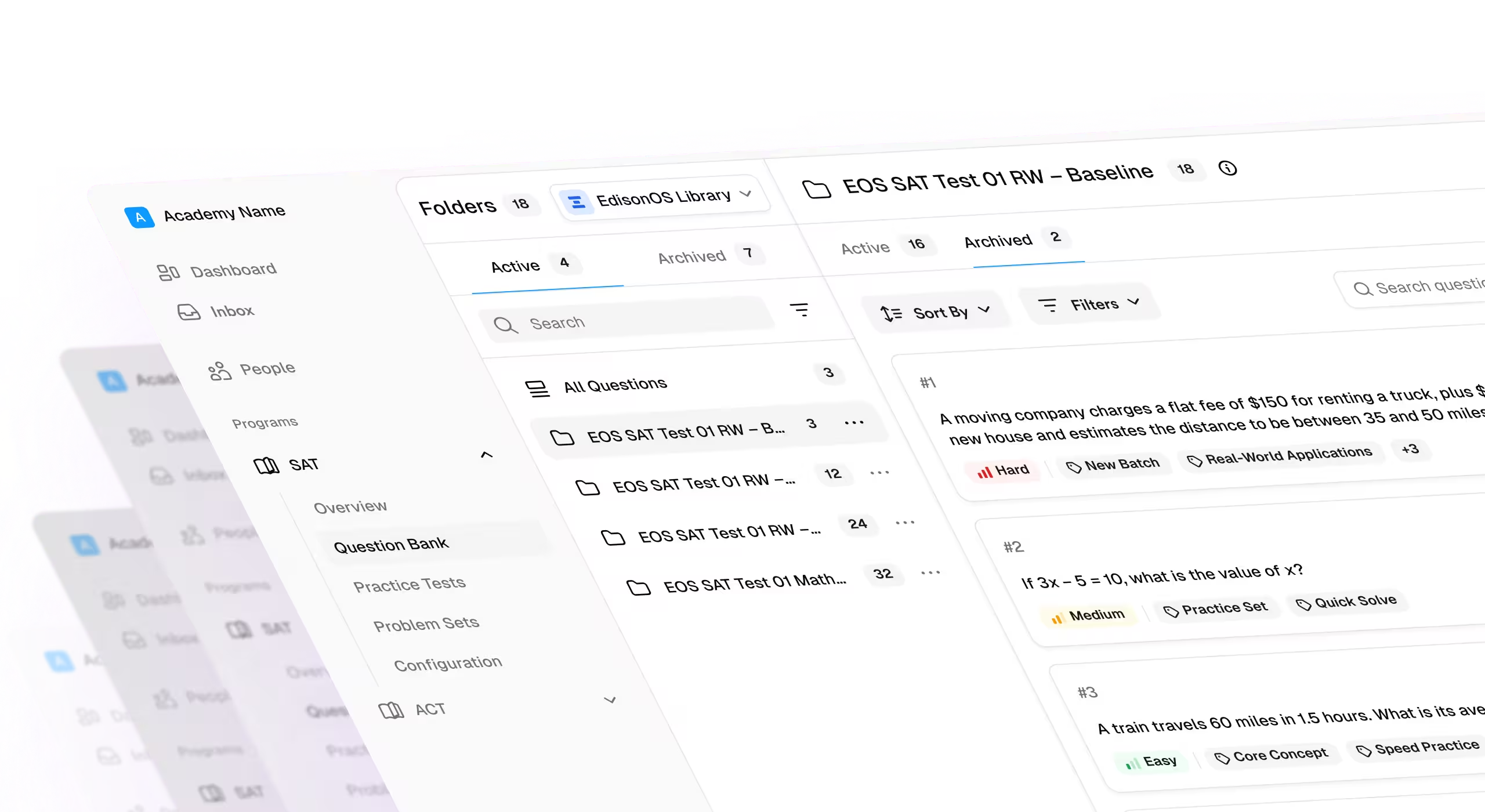
The best tools for tutors in 2026 combine reliable video conferencing, interactive whiteboards, and time-saving AI assistants to streamline both teaching and business management.
- Zoom, LearnCube, Google Meet — Zoom leads for general reliability and breakout rooms, LearnCube offers a browser-based classroom built specifically for tutoring, and Google Meet works well for free, zero-install sessions.
- Miro, BitPaper, FigJam — Miro provides a flexible canvas for visual collaboration, BitPaper is purpose-built for math and science annotations, and FigJam offers free collaborative whiteboarding for interactive exercises.
- NotebookLM — Upload custom PDFs, notes, or textbook chapters to instantly generate study guides, quizzes, and audio summaries.
- Khanmigo — Powered by Khan Academy, acts as a guided AI tutor that teaches concepts rather than handing over answers.
- MagicSchool.ai — An AI toolkit that generates lesson plans, differentiated assessments, and exit tickets.
- Calendly — Lets students book open tutoring slots directly, eliminating scheduling back-and-forth.
- TutorBird — An all-in-one platform for scheduling, automated billing, and parent lesson portals.
- Stripe/PayPal — Essential for secure, automated invoicing and payment processing.
Tutoring today looks very different from what it did a decade ago. The most effective tutors don’t rely solely on whiteboards and printed worksheets; they build a tech stack that streamlines operations, personalizes instruction, and scales their impact.
From assessment creation and performance analytics to communication systems and workflow management, modern platforms directly influence both student outcomes and business efficiency.
This guide compares the top tools for tutors to help you make an informed decision.
How we evaluated these tools:
- Conversations with leading tutors and institutes to understand what tools they actually rely on day to day on the EdisonOS podcast.
- Hands-on testing of the platforms to evaluate usability, feature depth, and real tutor workflows
- Independent reviews and ratings from trusted sources like G2, Capterra, and similar platforms
- Use-case relevance, especially for standardized test prep and small-to-mid-sized tutoring teams
Transparency note: EdisonOS is included in the list evaluated using the same criteria as other platforms.
Our goal is to help you find the right tools to support and scale your tutoring practice.
The Categories of Essential Tutoring Tools
Below is a quick overview of the essential tool types every serious SAT/ACT/SHSAT tutor should be familiar with:
Best Progress Tracking and Assessment Tools
Tutors shouldn’t treat assessment solely as a way to assess students’ skills but rather as a way to provide actionable insights. For SAT, ACT, and SHSAT prep in particular, effective tutors rely on assessment tools that go beyond grading to deliver data-driven feedback, track skill development over time, and simulate real exam conditions.
Here are the best tools for tutors that do that for you:
SAT Learning Management Systems (LMS)
Progress tracking and assessments are at the heart of any results-driven tutoring program. A good LMS can allow tutors not only to assign tests and monitor performance but also to manage student learning journeys in one place.
Here are the top two SAT LMS:
1. EdisonOS
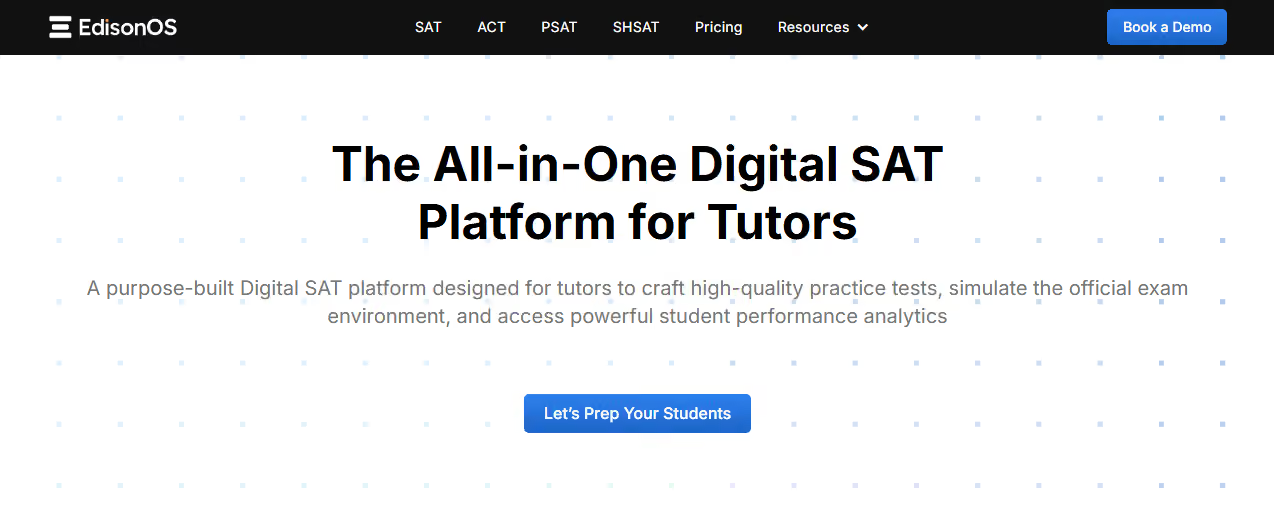
EdisonOS is an all-in-one test prep platform that enables tutors to offer tutoring for SAT/ACT/SHSAT/AP.
Unlike generic test platforms that focus on content delivery, EdisonOS is designed around performance analysis and insights on students' scores. It also simulates real testing environments by mirroring the Bluebook interface.
What truly sets EdisonOS apart are its features, like custom question banks, secure video streaming to improve student performance, and AI-powered analytics that give tutors granular, easy-to-interpret reports on scores, skills, timing, and student behavior.
Key Features:
- Build Your Own Test (BYOT): Create fully customized assessments using a 5,000+ question library, upload your own questions in bulk via Excel, or reuse past tests effortlessly.
- Advanced performance analytics dashboard: View scaled scores, section-wise performance, skill-level trends, time spent per question, and difficulty-based accuracy, all in one place.
- Skill trend reports (Long-term insight): Track how a student performs in each topic over weeks or months. This is ideal for extended test prep programs.
- Session logs and focus tracking: Identify off-task behavior during tests to understand whether performance issues are conceptual or behavioral.
- AI question extraction (Beta): Convert PDFs and images into digital assessments in minutes, eliminating hours of manual formatting.
Pros
- Exceptionally detailed performance insights that go beyond raw scores.
- Built for tutors, not classrooms or generic LMS users.
- Strong support for long-term test prep and data-backed teaching.
Con
- The depth of analytics may feel overwhelming for tutors who prefer very simple reporting.
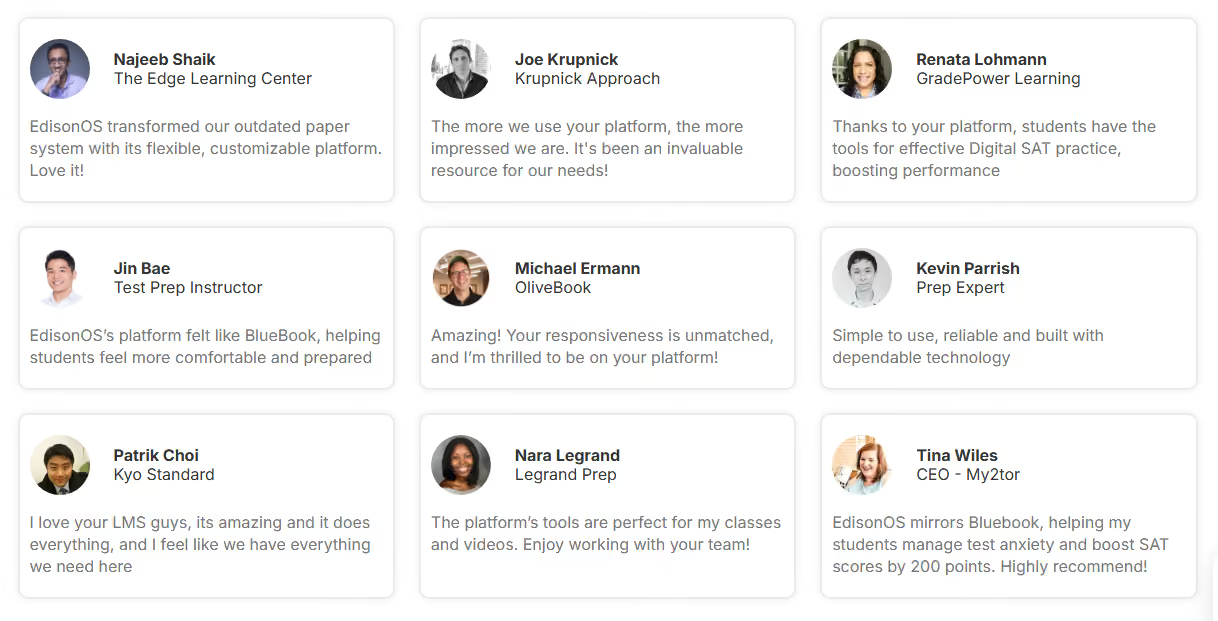
Hear from the tutors
2. Acely
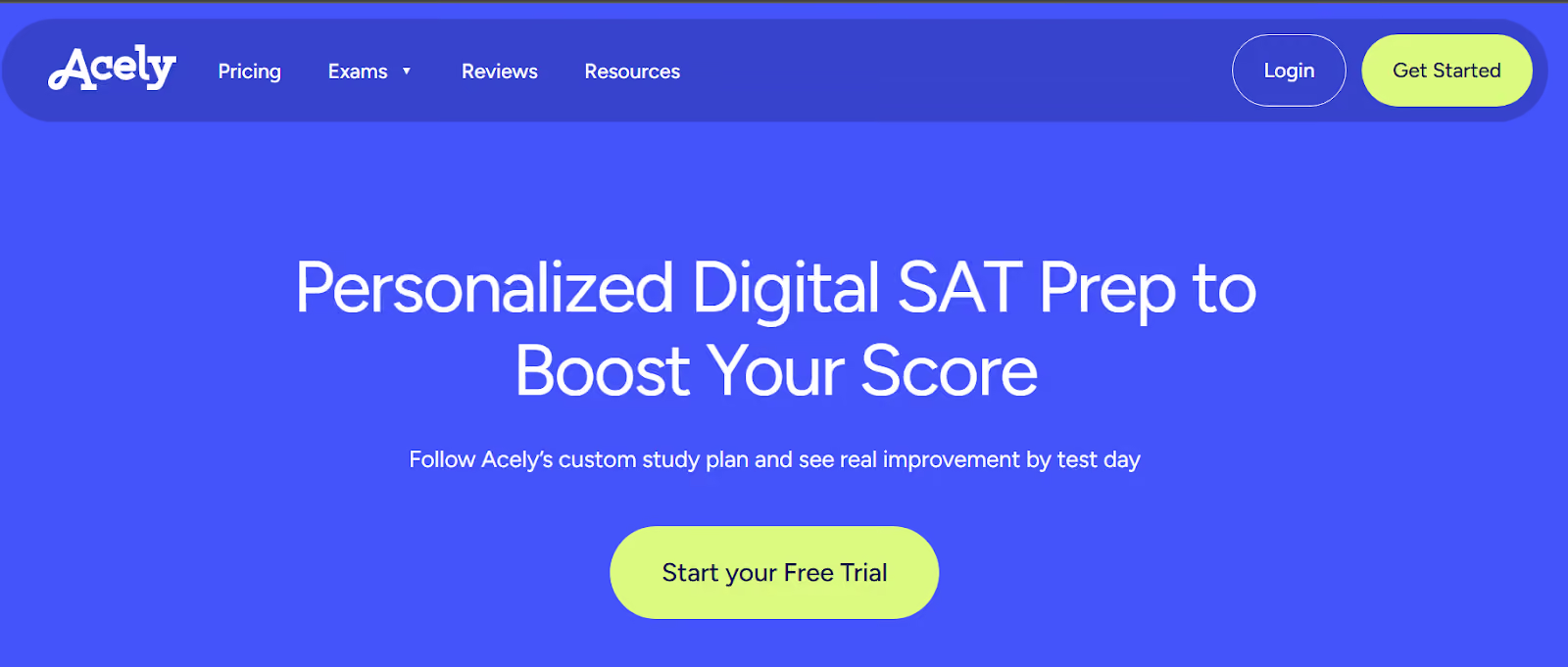
Acely is student-focused, providing a personalized AI-generated study plan and live dashboards that visualize accuracy by topic. It’s a strong tool for learners who want guidance without relying on a tutor.
While it lacks tutor-focused features such as custom test creation and group analytics, tutors can suggest the tool as a supplementary learning resource.
Assessment Creation Tools
If quickly creating and implementing engaging assessments is your main goal, these tools do just fine:
- Quizlet: Great for SAT vocab and quick recall practice. Tutors can build flashcards, generate practice tests, and assign interactive games.
- Kahoot!: Best for in-class quiz battles. It adds fun and competition to test prep sessions, especially with groups.
- Google Forms: A classic option where tutors can create auto-graded quizzes and view results in Sheets. Simple, free, and effective.
- Formative: Allows tutors to view student answers in real time and give feedback mid-assessment. Great for diagnosing misconceptions as they happen.
Analytics Platforms
The above tools are best used for daily practice, reviews, or exit tickets, but they may not be the best option if you’re looking for deep diagnostics. So, if you’re into tracking growth and performance, you’ll need data, and these platforms can help you visualize it:
- EdisonOS Progress Dashboard: Shows student accuracy, skill development, section performance, and time spent per question. It’s tailored for test prep and integrates with EdisonOS assessments.
- Google Analytics: For tutors running online courses or websites, Google Analytics helps track user behavior, engagement time, and funnel drop-offs.
- Teachable Insights: This platform is useful if you're running pre-recorded SAT courses. It tracks video completion rates, quiz performance, and overall course metrics.
Best Student Communication and Engagement Tools
Even the most powerful tutoring platform can fall flat without strong communication. Consistent interaction, whether it’s live sessions, quick check-ins, or collaborative work, keeps students engaged, motivated, and on track.
Here are some options:
Video Conferencing
- Zoom: The go-to platform for online tutoring with features like breakout rooms, whiteboards, screen sharing, and recording. Zoom supports everything from 1-on-1 sessions to group classes, and many tutors also use it for strategy discussions and parent check-ins.
- Google Meet: Ideal for tutors already using Google Workspace. It integrates seamlessly with Google Calendar and Docs, making scheduling and sharing materials simple.
- Microsoft Teams: Best for larger tutoring teams or schools. It combines video conferencing with built-in collaboration tools, including file sharing, chat, and lesson planning, in a single dashboard.
Messaging and Communication
- Slack: Great for organizing communication by channels (e.g., by class or topic). Tutors can share files, links, and reminders while keeping conversations focused and searchable.
- Remind: Designed for education, Remind allows safe, private messaging between tutors, students, and parents. It supports announcements, direct messages, and file sharing, all with FERPA-compliant privacy.
- WhatsApp Business: For tutors who prefer direct and familiar communication. It allows personalized messaging, quick replies, and broadcast updates, making it perfect for fast check-ins or reminders.
Best Scheduling and Payment Processing Tools
Handling bookings and payments manually can quickly become overwhelming, especially as your student base grows.
These tools automate scheduling, reduce no-shows, and make payment collection seamless, letting tutors focus on teaching instead of admin.
Best Business and Tutoring Management Tools
Running a tutoring business isn’t just about teaching. It also requires tools for managing clients, finances, contracts, and marketing. There are several tools on the market that help tutors operate like pros, from signing students and tracking payments to growing their online presence and automating follow-ups.
Here are some of our top picks:
Subject-Specific Tools for Tutors
Beyond general tutoring software, some tools are designed specifically for individual subjects. These can be powerful additions to a tutor’s tech stack, offering interactive, high-quality resources tailored to math, science, language, and test-prep instruction.
EdisonOS: All-in-One Tool
EdisonOS spans multiple subjects and exams by allowing tutors to build, assign, and track assessments across standardized test formats. With support for custom content types like drag and drop, fill-in-the-blank, interactive graphs, and tools like the Desmos calculator, it functions as a complete delivery platform for SAT/ACT/SHSAT tutoring.
It’s especially effective for tutors who teach across subjects and want a centralized platform for student data, test simulation, and feedback.
Math and Science
Now, if you’re only focused on tutoring for math and science, these tools could come in handy:
- Desmos: An essential digital graphing calculator with classroom activities. Perfect for SAT math, algebra, and precalculus.
- GeoGebra: Covers everything from geometry to calculus with interactive diagrams and manipulatives.
- PhET Simulations: Created by the University of Colorado Boulder, this platform offers free interactive simulations in physics, chemistry, biology, and more.
- Wolfram Alpha: A powerful tool for solving equations, visualizing functions, and exploring step-by-step math solutions.
Language and Writing
For those who need tools to help their students get better at writing and language sections, these are good stand-alone practice tools:
- Duolingo: A gamified platform for language learning, which is ideal for ESL students or tutors working with bilingual learners.
- Hemingway Editor: Helps students write clearer, more concise essays by highlighting complex or unclear sentences.
- Quill: Offers interactive grammar, sentence structure, and writing practice, making it great for SAT Writing or general literacy development.
Test Prep
Lastly, if your focus is simply to prep for the test, these platforms can be some great resources:
- Khan Academy: Official SAT practice provider. Free, high-quality content directly from College Board sources.
- Magoosh: Paid platform offering video lessons, practice questions, and progress tracking for SAT, ACT, GRE, and more.
- UWorld: Known for in-depth explanations and realistic practice questions across standardized exams.
- Official College Board Materials: Still the gold standard for SAT/PSAT content, this resource is ideal for diagnostics and practice under real conditions.
Conclusion and Key Takeaways
The tutoring landscape in 2026 is rich with tools that help educators work smarter, not harder. Whether you're managing student communication, delivering personalized lessons, or running a full-fledged tutoring business, the right mix of technology can take your teaching to the next level.
To recap, here are the key takeaways:
- Leverage scheduling and payment tools like Calendly and QuickBooks to automate admin tasks.
- Tap into subject-specific platforms like Desmos, Quill, and Magoosh to enrich your instruction.
- Choose communication tools like Zoom, Slack, and Remind to keep students engaged and informed.
- Adopt business management systems to handle contracts, client relationships, and marketing in a professional manner.
While all these tools are great, if you're looking for a platform that brings many of these capabilities under one roof, EdisonOS is the answer. It offers a complete suite designed specifically for tutors and education entrepreneurs.
From detailed analytics and mock-test creation to live-session integration and parent-ready reporting, it's one of the few digital SAT tools for private tutors built to support them at every stage of the tutoring journey. So, if you’re ready to simplify and scale your tutoring business, get a demo with EdisonOS today and see how it can power your workflow.



.png)

.png)