Registering for the digital SAT takes about 20 to 30 minutes, involving a College Board account, personal details, a chosen test date and center, a photo upload, and the registration fee, with international fees applying outside the US.
- Create an account — Sign up on the College Board website using the exact legal name matching your passport or photo ID.
- Enter details — Provide high school name, grade, and contact information; optional background and marketing questions can be skipped to save time.
- Pick a date and location — Choose a test date and select a nearby test center.
- Upload a photo — Submit a clear, passport-style headshot with your face fully visible.
- Pay fees — Complete payment via credit card or PayPal; international students pay a base fee plus a regional fee.
- Set up Bluebook — Download the College Board Bluebook app on your testing laptop to finalize exam setup and get the admission ticket.
The Digital SAT is a widely recognized standardized test offered by the College Board to assess high school students' readiness for college. This test is a key factor in the admissions at many U.S. colleges and universities. Unlike the traditional paper-based SAT, the Digital SAT is administered on a computer, and students can take the test multiple times throughout the year to achieve their desired scores.
SAT registration and test schedules vary yearly, with specific dates for regular and late registration deadlines. Check these details on the official College Board website to avoid additional fees.
Who can apply for the SAT: Eligibility and Requirements
The College Board has no specific eligibility criteria for taking the Digital SAT. Still, you must be a high school student intending to apply to universities, typically during your junior or senior year. While there are no strict age restrictions, students younger than 13 need a parent or guardian to complete the digital SAT registration on their behalf. A valid ID and a digital photograph are required during the registration process.
How to Register for the Digital SAT
Step 1: Create a College Board Account
To begin your SAT exam registration, visit the College Board website and create a free account. This account will be your hub for registering for the SAT, viewing your scores, and accessing other College Board services. Use a secure password and keep it safe, as you'll need it for future SAT attempts and other College Board resources.
Step 2: Select Your Test Date and Center
Test centers are available on the College Board’s SAT Test Center page. You can search by location or zip code to select a convenient center. Many students opt to take the test at their school, but you can choose another center if it suits your needs better.
You can also pick a test date that works best for you from the available options listed on the College Board’s SAT Dates and Deadlines page. Make sure to check SAT exam registration and late registration deadlines (which incur an additional fee) for your chosen date to secure your spot.
Step 3: Upload Your Photo
Next, as part of your digital SAT registration, you’ll need to upload a recent photo of yourself. You can take a new picture using a digital camera or smartphone, upload an existing photo from your device, import one from Facebook, or even scan a printed photo. The uploaded photo must be in .jpg, .gif, or .png format. Once your photo is uploaded, you’ll have the option to crop and adjust it to ensure it fits properly.
Step 4: Pay the Registration Fee
The standard digital SAT registration fee is $68. If you miss the regular registration deadline, a late registration fee of $38 will apply. Additionally, some students may qualify for fee waivers, which can cover the test fee and additional services such as score reports and answer services.
Digital SAT Registration Fees
Standard Registration Fee
For test dates beginning August 23, 2025, the SAT registration fee is $68. This fee applies to all U.S. test-takers.
Late Registration Fee
If you miss the regular registration payment deadline, you can still register during the late registration period. However, this comes with an additional $38 fee.
Fee Waivers
Fee waivers are available for students who meet specific eligibility criteria, including:
- Qualifying for the National School Lunch Program (NSLP)
- Being enrolled in a federal, state, or local aid program
- Your family participates in a public assistance program.
- Being part of a foster home or living in federally subsidized public housing
- You are a ward of the state or have been orphaned.
- Having a family income within the USDA’s Income Eligibility Guidelines
Homeschooled students may request a waiver during digital SAT registration using code AI 970000.
Important Tips for a Smooth Registration
Check Test Center Availability
Before you register, it’s important to confirm that your chosen SAT center is open on your preferred date. Some centers may be closed for holidays or other reasons. You can also see if the center offers makeup test options in case of cancellations. Test center data is updated every three hours, so make sure to check for any updates the night before and the morning of your scheduled test.
Prepare Your Photo ID
A valid physical photo ID, either government-issued or issued by your current school, is required on test day. Make sure that your ID matches the name you used during digital SAT exam registration and is not expired. Acceptable IDs include your school ID, passport, or driver’s license.
Stay Updated on Deadlines
Keep track of all important SAT exam registration and fee deadlines to avoid late fees or missed opportunities. Check the College Board’s SAT Registration Dates and Deadlines page regularly for standard registration, late registration, and changes or cancellations.
A Quick Recap
How to Apply for a Digital SAT Fee Waiver
To apply for a fee waiver for the Digital SAT, follow these steps:
- Check Eligibility: You must be in 11th or 12th grade and demonstrate financial need. As already mentioned, eligibility criteria include participation in the National School Lunch Program, family income below certain thresholds, participation in a low-income assistance program, and a few others.
- Contact Your School Counselor: Speak with your school counsellor about your desire to apply for a fee waiver. They can provide the necessary fee waiver code or guide you.
- Complete the Fee Waiver Form: If your counselor confirms your eligibility, they will give you a fee waiver form. Fill it out, ensuring you provide accurate personal and family income information.
- Provide Documentation: You may need to submit documentation to verify your eligibility, such as tax records, proof of enrollment in a government assistance program, or other relevant documents.
- Submit the Form: Return the completed fee waiver form and any supporting documentation to your school counsellor.
- Receive Your Fee Waiver Code: Once your application is approved, you will receive a fee waiver code. This code can be used during your online registration for the SAT to waive the registration fee.
- If you are homeschooled, you can request a fee waiver directly from the College Board, but you must provide proof of eligibility as mentioned above.
Registering for the Digital SAT
Once your account is created, log in and follow the steps to register online. You’ll be prompted to choose your preferred test date, select a test center, and upload your photo ID. The entire registration process typically takes around 30 minutes, but you can save your progress and return later if needed.
Choosing Your Test Center
When selecting a test center, consider searching by location or zip code on the College Board website. Many students choose their school, but you can select another test center that may be more convenient. Ensure that your selected test center follows the rules and regulations outlined by the College Board.
Test Fees and Waivers
The basic registration fee for the Digital SAT is $68. If you register after the deadline, an additional late registration fee of $34 will be applied. Eligible students can apply for a fee waiver.
To apply for a fee waiver for the Digital SAT, follow these steps:
- Check Eligibility: You must be in 11th or 12th grade and demonstrate financial need. Eligibility criteria include participation in the National School Lunch Program, family income below certain thresholds, or being part of a low-income assistance program.
- Contact Your School Counselor: Speak with your school counsellor about your desire to apply for a fee waiver. They can provide the necessary fee waiver code or guide you.
- Complete the Fee Waiver Form: If your counselor confirms your eligibility, they will give you a fee waiver form. Fill it out, ensuring you provide accurate personal and family income information.
- Provide Documentation: You may need to submit documentation to verify your eligibility, such as tax records, proof of enrollment in a government assistance program, or other relevant documents.
- Submit the Form: Return the completed fee waiver form and any supporting documentation to your school counsellor.
- Receive Your Fee Waiver Code: Once your application is approved, you will receive a fee waiver code. This code can be used during your online registration for the SAT to waive the registration fee.
- If you are homeschooled, you can request a fee waiver directly from the College Board, but you must provide proof of eligibility as mentioned above.
Preparing for the Digital SAT
Preparation is key to success in the Digital SAT. The College Board offers free SAT practice tests, study guides, and other resources. Using tools like Bluebook Insights can provide detailed feedback on practice tests, helping you assess your readiness and focus on areas needing improvement. Plan and set score goals for your test day.
What to Expect on Test Day
On test day for the Digital SAT, you need to bring specific items to ensure a smooth testing experience. Here’s a comprehensive list of what to carry:
Essential Items
- Fully Charged Testing Device: Bring a laptop, tablet, or school-managed Chromebook with the Bluebook application installed and exam setup completed. Ensure the device can hold a charge for at least three hours.
- Admission Ticket: You can access your up-to-date admission ticket through the Bluebook app. You can present it on your mobile device or print it out.
- Acceptable Photo ID: A valid photo ID is required for check-in. Make sure the name on the ID matches the one you used during registration.
- Pen or Pencil: Bring a pen or pencil for scratch work. Your proctor will provide scratch paper.
- Calculator: If you prefer using a handheld calculator instead of the embedded calculator in Bluebook, you need an acceptable calculator for the Math section. Check the list of acceptable calculators before test day.
- Power Cord or Portable Charger: Since you may not have access to an outlet during the test, bring your device a power cord or portable charger.
Optional Items
- Face Mask: It's advisable to bring a face mask in case health protocols are in place at your test center.
- Watch: A watch without an audible alarm can be useful, although the Bluebook application has a built-in timer.
- Snacks and Drinks: Consider bringing snacks and drinks for your break and a bag to carry your items.
Items Not to Bring
Avoid bringing the following items to the testing centre:
- Mobile phones (can be used to show your admission ticket but must be stored away afterwards)
- Smartwatches or any wearable technology
- Audio players, cameras, or any personal computing devices
- Paper of any kind, including scratch paper
- Unapproved calculators.
By preparing these items in advance, you can focus on performing your best on the Digital SAT.
Score Reporting and Delivery
After the test, the College Board will send your SAT scores to the colleges you selected during registration. You can also access your scores online through your College Board account. Scores typically include a total score along with breakdowns for each section.
Additional Resources and Support
The College Board supports students with disabilities by providing necessary accommodations for the test. Fee waivers are available for eligible students, and customer support is accessible for any registration-related queries. Take advantage of free resources like SAT practice tests to maximize your chances of success.
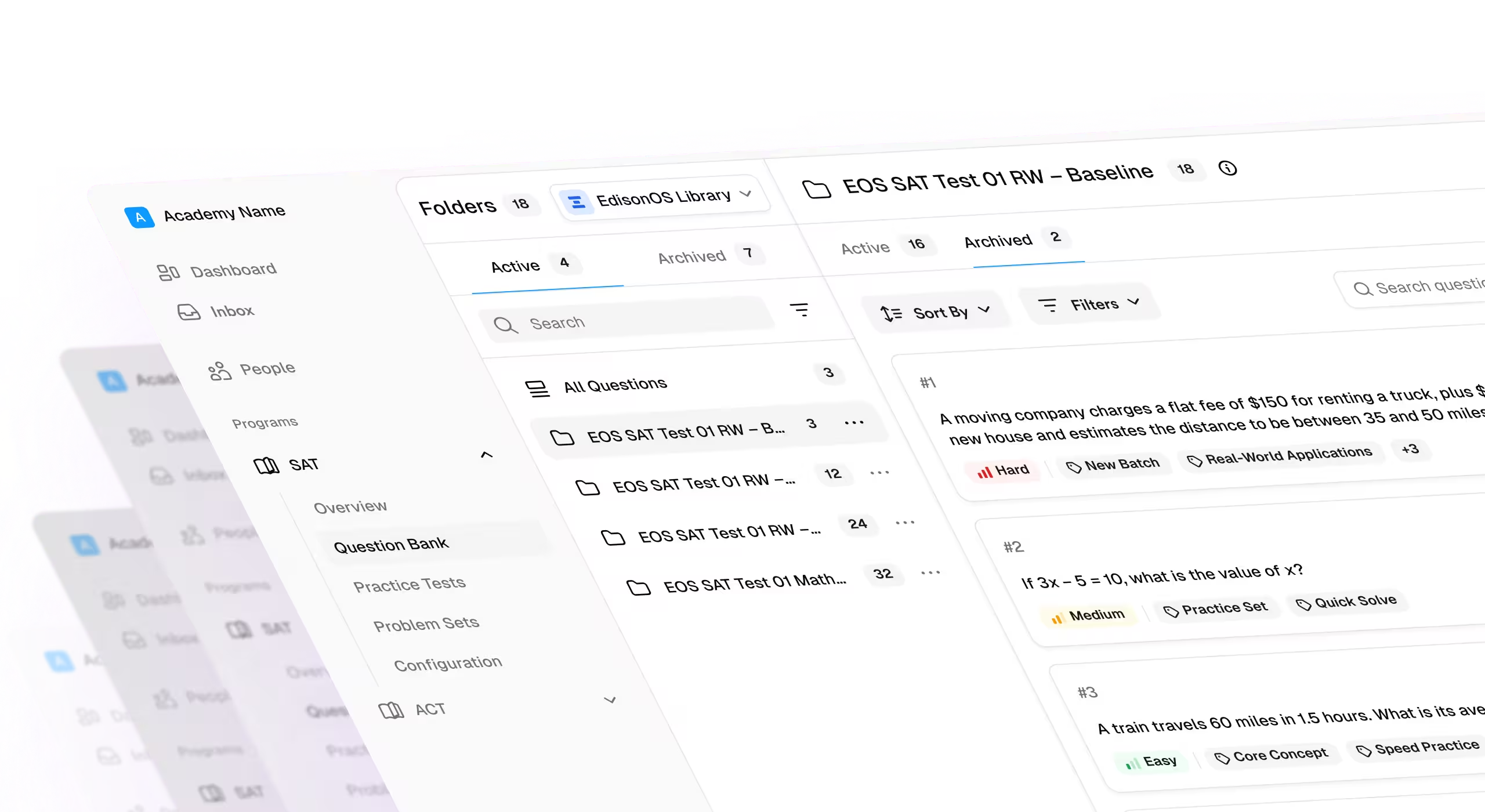
EdisonOS goes beyond a simple question bank. While many SAT preparation websites offer standalone question collections, EdisonOS provides a comprehensive Digital SAT platform built specifically for tutors and test prep professionals.
The platform combines 5000+ expert-vetted questions with tools to craft high-quality practice tests, simulate the official exam environment, and access powerful student performance analytics.
Tutors can build custom adaptive tests in under 60 minutes, track detailed performance metrics where every second is analyzed, and manage multiple students with personalized study plans—all within an interface that mimics the official Bluebook testing experience.
Frequently Asked Questions
.svg)



.png)

.png)